

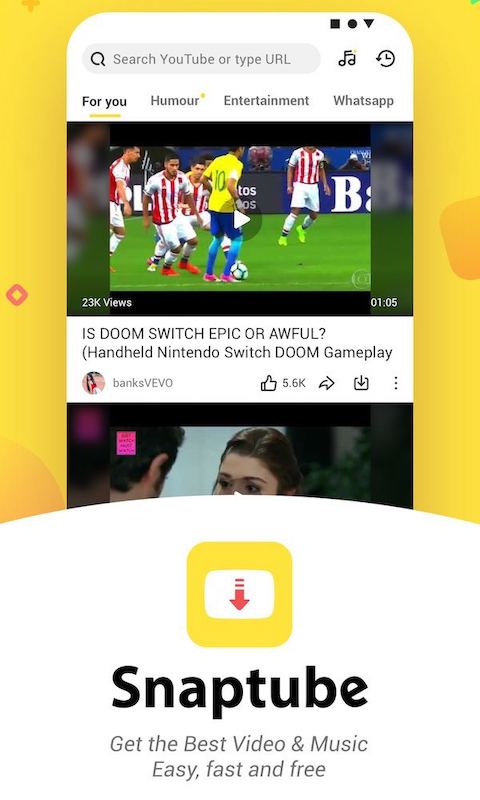
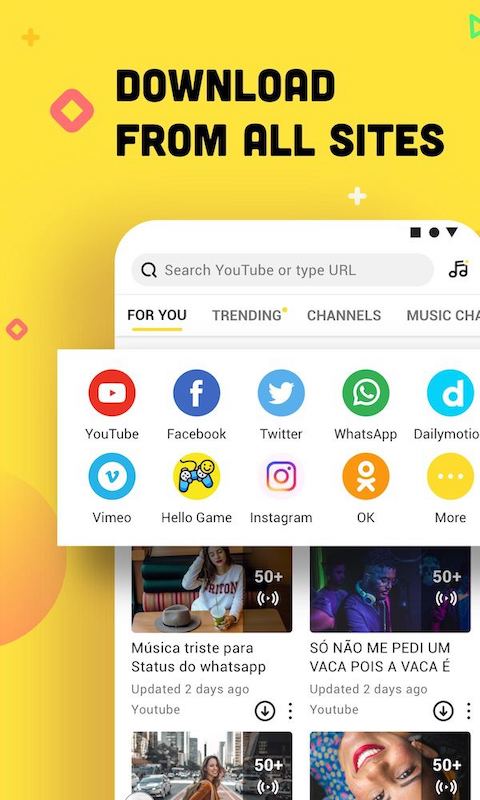
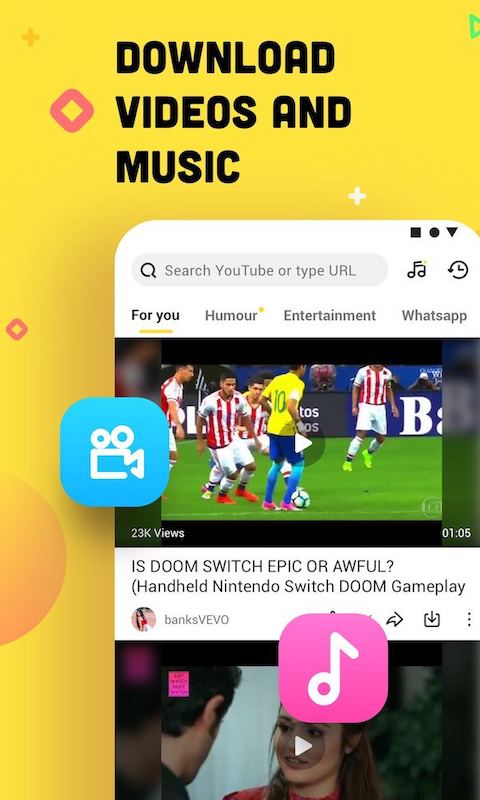
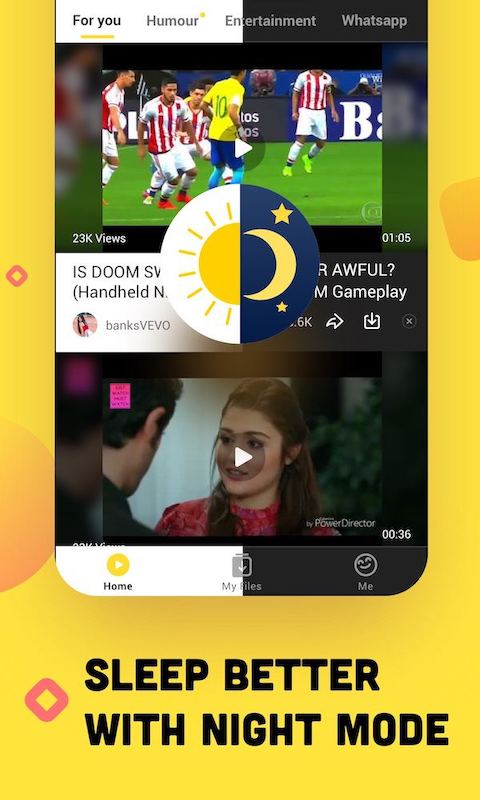
For users seeking to download videos and music from popular platforms, Snaptube offers a streamlined solution that bridges multiple content sources. This Android application enables direct media saving from YouTube, Facebook, Instagram, and other services without requiring multiple apps. It primarily serves mobile users who want to build offline media libraries for entertainment, education, or content creation purposes.
Direct Video Downloads from Platforms
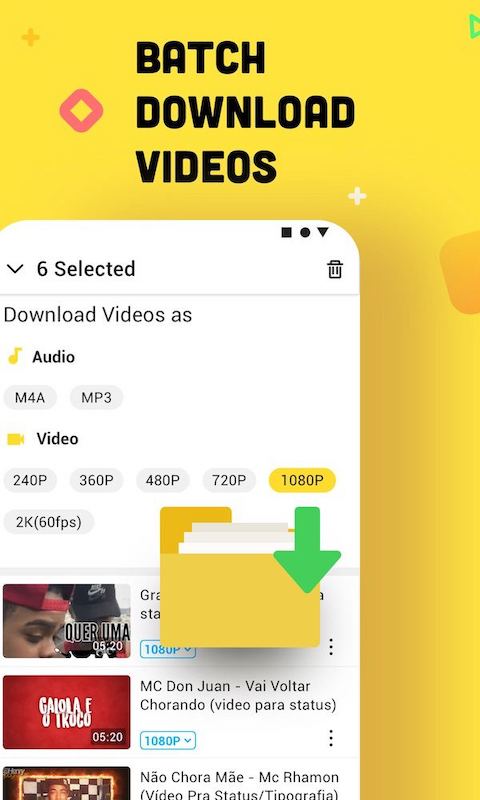
Snaptube allows you to save videos directly from a wide array of websites to your device’s local storage. You can input a URL or browse within the app to find the specific video content you wish to download. The process converts and saves the file, making it accessible through your phone’s native gallery or video player app for offline viewing.
High-Quality Audio Extraction
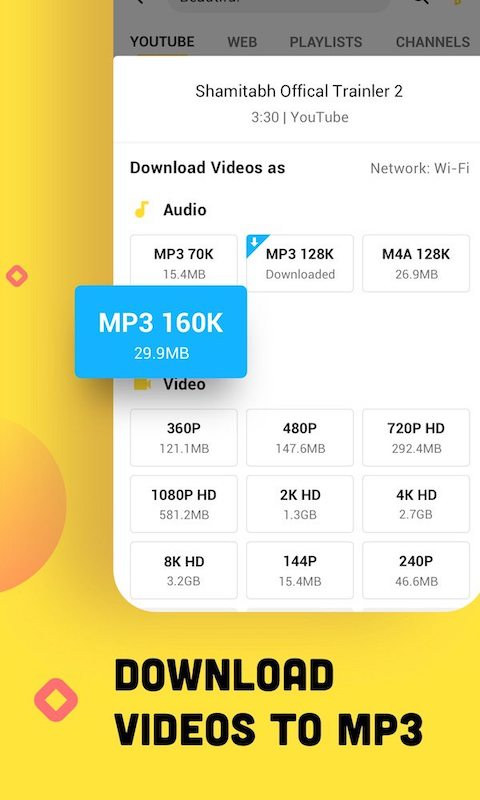
The application includes a dedicated feature for extracting audio tracks from video content, creating standalone music files. It supports various audio formats and bitrates, letting you save songs, podcasts, or instrumental pieces directly to your music library. This is particularly useful for creating personalized playlists without needing an active internet connection for playback.
Built-in Content Discovery Tool
An integrated browser and search function help you explore trending and recommended videos from different platforms directly inside the app. This feature aggregates content, allowing you to discover new media without switching between multiple applications or tabs before deciding what to download for offline access.
Customizable Download Resolution Options
You have control over the quality and size of your downloaded files, with options to select from various resolutions like 144p, 360p, 720p, and 1080p where available. This flexibility helps manage your device’s storage space efficiently, enabling you to choose between higher quality for important videos or smaller file sizes for casual content.
Background Download Management
The app efficiently handles download tasks, allowing them to continue processing even when you switch to other applications or lock your device. You can monitor progress through persistent notifications and manage multiple downloads in a queue, making it convenient to build your media collection without active supervision.
Frequently Asked Questions
The application is widely used and does not require system-level permissions that compromise device security. It operates by processing publicly accessible video links from various online platforms.
The app can only access and download content that is publicly available on the internet. It cannot bypass privacy settings or download media from private accounts or password-protected pages.
Certain videos may have restrictions set by the content creator or platform, such as copyright protection or regional availability blocks. The download availability depends entirely on the source platform’s access permissions.
All downloaded files are saved to your chosen local or SD card storage, and you maintain full control to manage, delete, or organize these files using any standard file manager application.